Syllabus to Calendar
Upload your syllabus and never miss another assignment. Every due date, every reminder, in one tracker that fills itself in.
Upload your syllabusHow it works
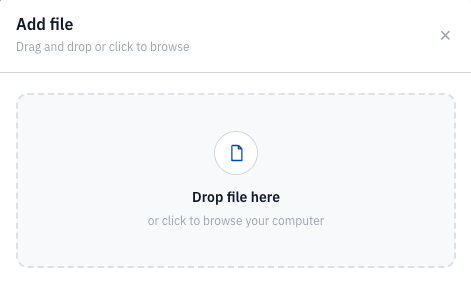
Upload your syllabus.
Drop in the PDF from any class. One file, or all of them.
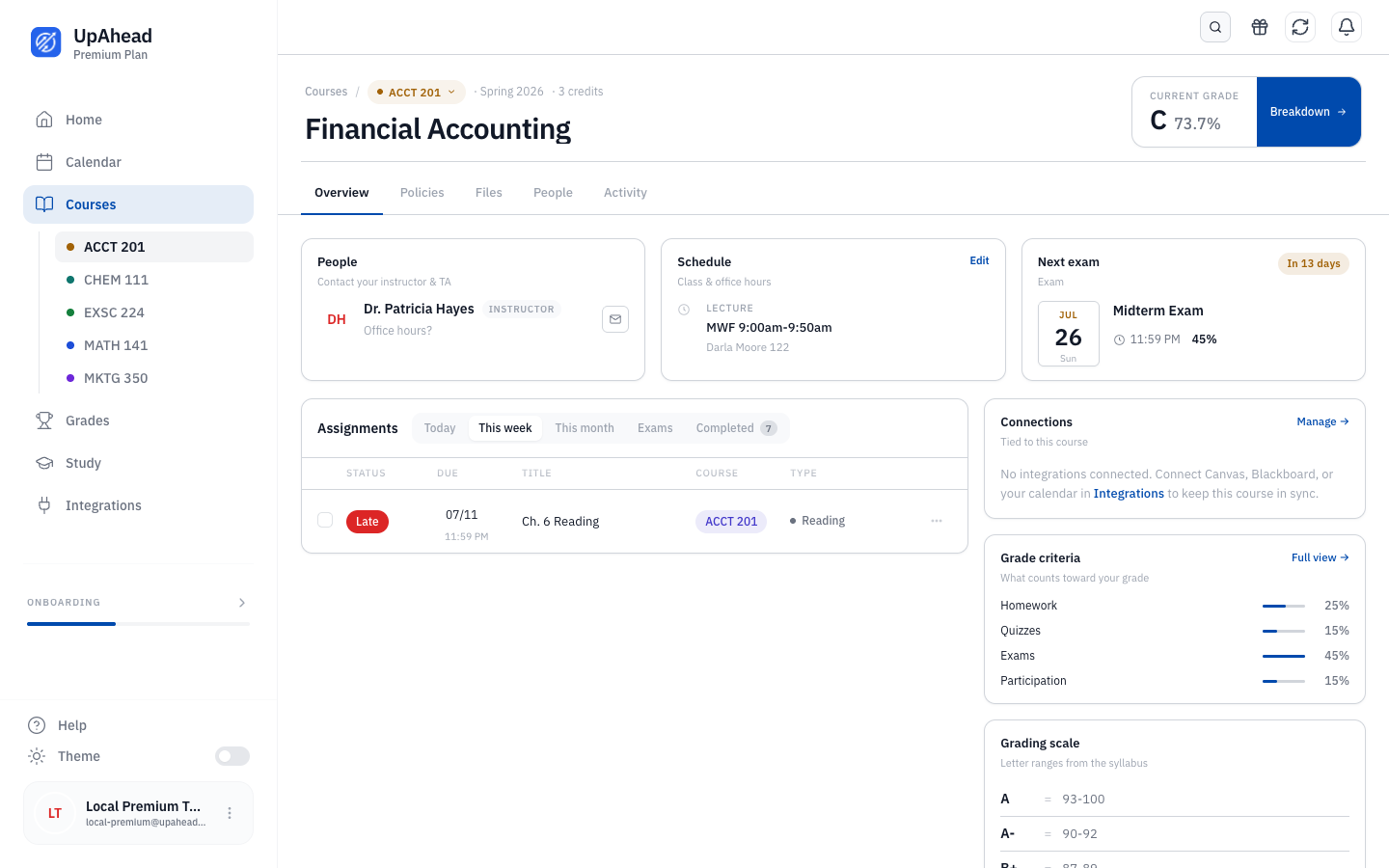
We read every line.
Every assignment, due date, grade weight, and policy, pulled out for you.
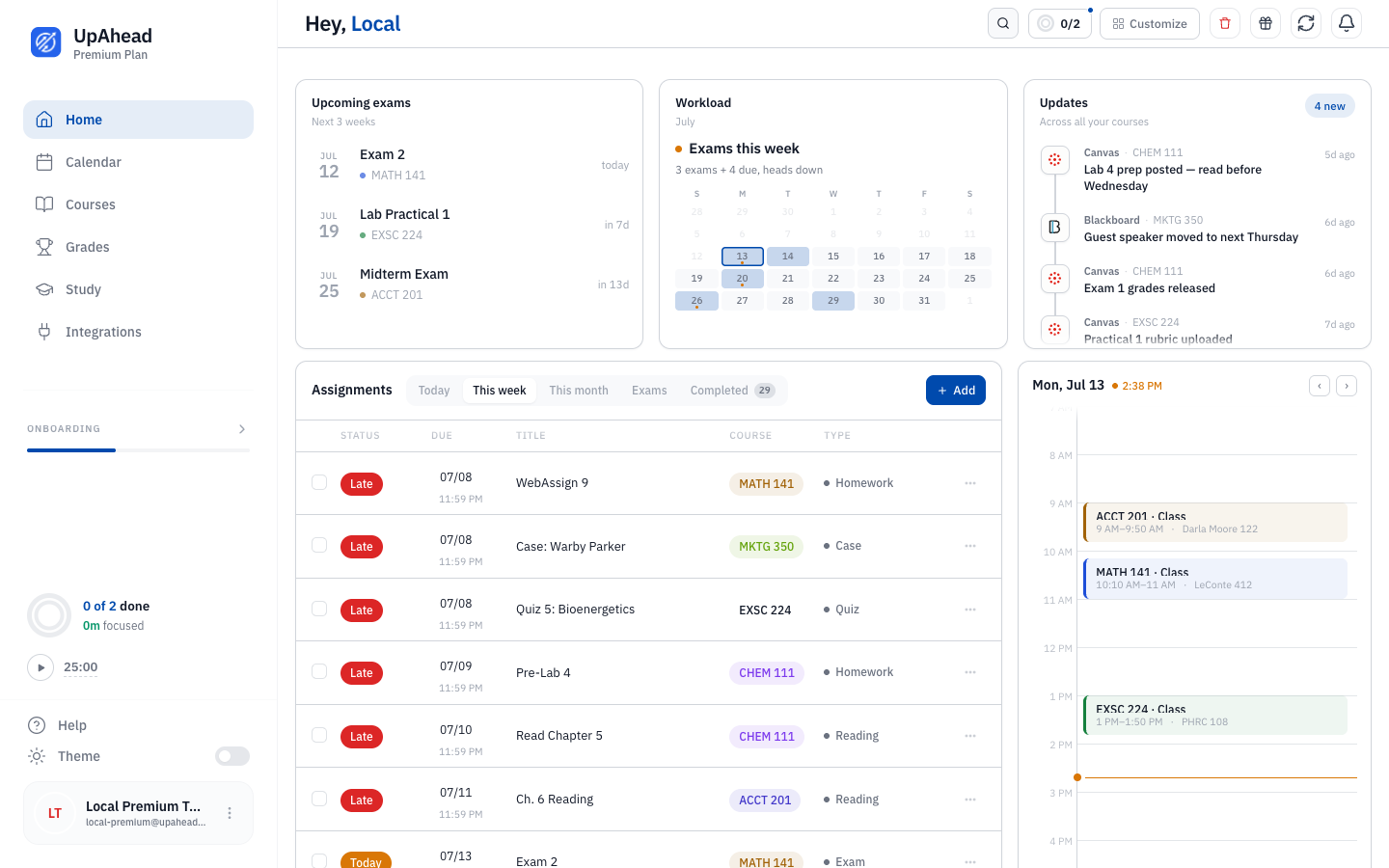
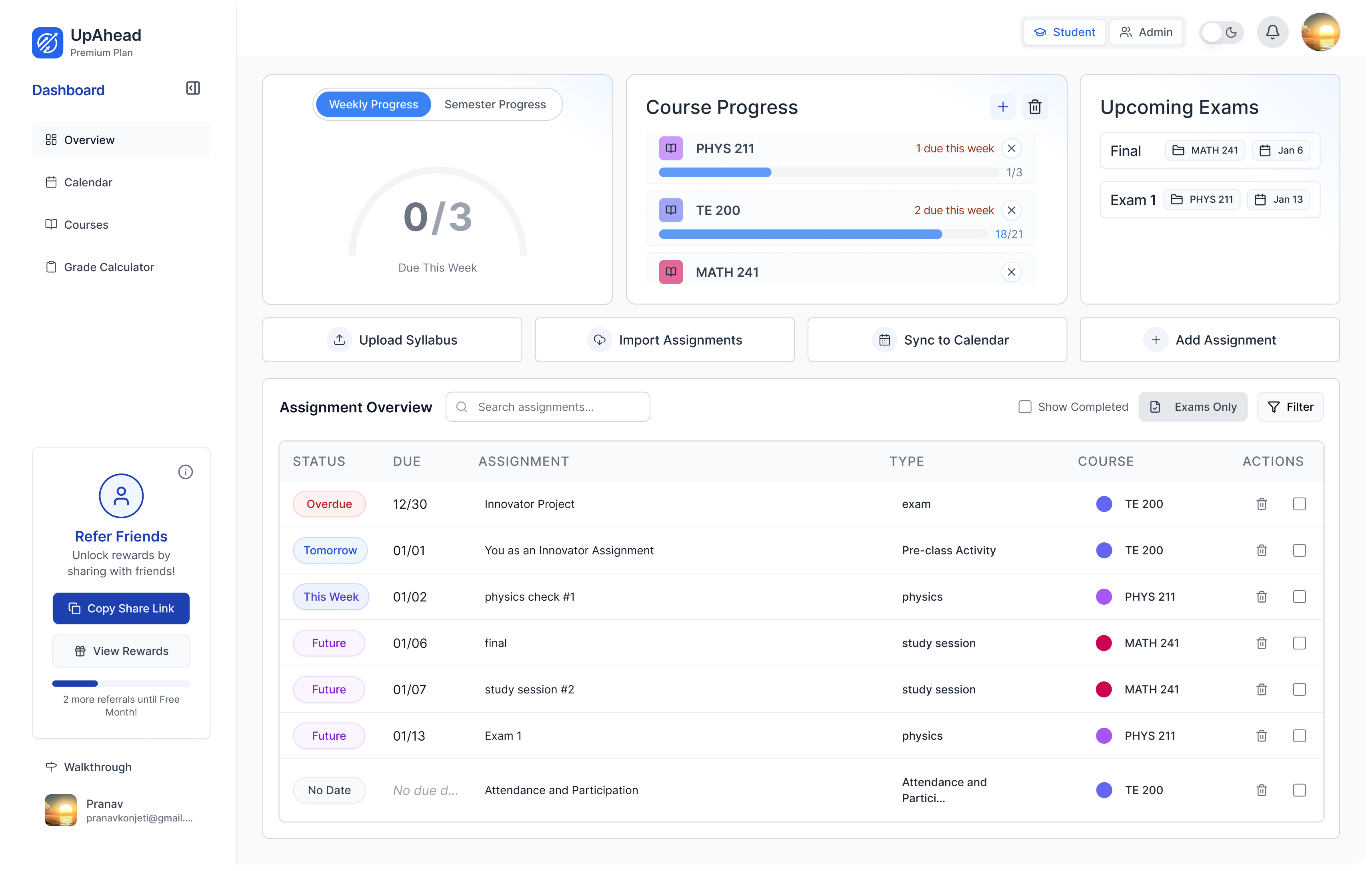
Your semester, in one tracker.
Sorted by what is due next, synced to your calendar, with a text before each deadline.
Every due date, in the calendar you already check.
UpAhead sends every deadline to Google, Apple, or Outlook, so your class schedule sits next to the rest of your life.
Skip the upload entirely.
Already on Canvas or Blackboard? Connect it and assignments come straight in, new ones added automatically.
A text before every due date.
Not a buried in-app badge. A real text, so it reaches you where you already look.
Never dig for a policy again.
Can I skip class? What is the late penalty? Pulled from your syllabus and kept one tap away.
“I haven’t missed a single assignment with UpAhead. I’m studying earlier and getting ahead on coursework.”
Max Greene, SPTE @ USC
Frequently asked questions
How do I turn my syllabus into a calendar?+
Upload your syllabus PDF to UpAhead. The app reads it, pulls out every assignment and due date, and drops them into a tracker that syncs to your Google, Apple, or Outlook calendar. You do not type any of it in yourself.
Does it work with Canvas and Blackboard?+
Yes. You can connect Canvas, Blackboard, or most school portals instead of uploading a PDF, and your assignments and due dates come in automatically, including new ones your professor posts later.
Do I have to enter due dates manually?+
No. That is the whole point. UpAhead reads them from your syllabus or pulls them from your school portal, so manual entry is not required.
Will it sync to Google Calendar?+
Yes. UpAhead pushes every due date into Google, Apple, or Outlook, and sends you a text reminder before each deadline.
Is UpAhead free?+
You can start for free. Paid plans add the full feature set.
Upload one syllabus and watch your semester fill itself in. Free to start.
Upload your syllabusBoost your productivity. Start using UpAhead today.
UpAhead keeps every assignment, exam, and project organized in one place so you never have to wonder what's due next. Stay ahead of your schedule, protect your GPA, and get your time back.
Get Started For Free